UPDATES

Every model, tool, and workflow update shipped to Beeble

Audio references in the Video Generator

Seedance 2.0 and 2.5 Reference-to-Video now take audio references — hand the model an mp3 or wav and reference it in your prompt, the same way you already do with images and videos. Upload audio directly in the Video Generator, or add the new Audio Input node on the Canvas and wire it into a Video Generator node.

Generate with an audio reference →

Improvements

  • Compare — reworked into four layouts, Wipe / Mix / Columns / Rows (Mix is new), shared across SwitchX, SDR to HDR, Background Remover, and Upscaler
  • App — removed the top bar in favor of unified page headers, and reworked the mobile sidebar entry point
  • Viewer playback — SwitchX, Canvas, Video Generator, and Upscaler players now start with sound and remember your last mute choice
  • Image Generator — the expanded gallery gained a Compare mode with a source selector
  • Video Generator — Generate Audio is now on by default for every Seedance model
  • Canvas — drop a .md or .txt file onto the canvas to create a Text node from its contents
  • Canvas — background notifications when an AI job finishes in another tab
  • Canvas — "Continue in Canvas" now opens in a new tab, with less wait after clicking
  • SwitchX — Create Reference: download the selected (or masked) frame at full quality
Generate a 3D scene, then walk through it

3D Scene Generator

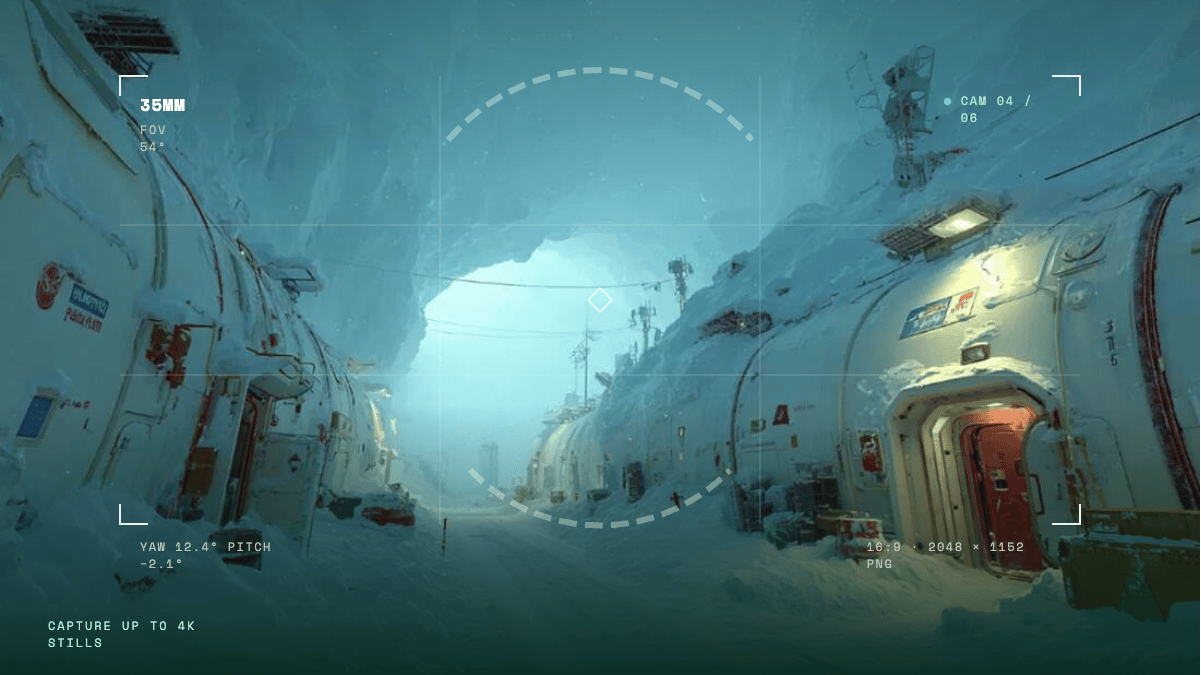
3D Scene Generator is now live on Beeble. It generates full 3D scenes you can walk through, powered by World Labs.

  • Marble 1.1 and 1.1 Plus, built in — generate a Gaussian splat scene in one click from a text prompt, an image, a video, or a panorama
  • Intuitive 3D editor for shots — move through the scene freely, place up to six cameras, and capture at up to 4K
  • Export anywhere — download the scene as a Gaussian splat and collider for Unreal, Blender, and beyond

It's also a dedicated node in the Canvas — no exporting, no bouncing between apps: connect it straight to SwitchX, or send a capture into the Image & Video Generator and start a Seedance 2.5 shot from it.

Try the 3D Scene Generator →

Seedance price drop

Every Seedance resolution now costs fewer credits per second — up to 50% less.

  • Seedance 2.5: 480p 4 · 720p 10 · 1080p 20 credits / sec (was 7 / 15 / 34)
  • Seedance 2.0 Standard: 480p 3 · 720p 6 · 1080p 13 · 4K 42 credits / sec (was 5 / 10 / 21 / 50)
  • Seedance 2.0 Fast / Mini: now from 2 credits / sec

Full rates in the credit policy.

Generate with Seedance →

Seedance 2.5 — 1080p

Seedance 2.5 now renders at 1080p in the Video Generator, alongside the existing 480p and 720p options.

Improvements

  • SwitchX — ProRes video sources are now ingested natively, with the upload limit for ProRes sources raised to 4.5GB
  • SwitchX — the Showcase tab now leads with one large looping-video tile per category; hover to see the before still

MiniMax H3

MiniMax H3 joins the Video Generator2K / 24fps output with native stereo audio on every generation.

  • Text / Image-to-Video — text-to-video picks from 6 aspect ratios; image-to-video follows your input image
  • 5–15 second clips, 9 credits / sec — see the credit policy

Try MiniMax H3 →

Seedance 2.5 — Create / Edit / Extend

Seedance 2.5 now has Create / Edit / Extend task tabs in the Video Generator and on the Canvas — pick the tab that matches your prompt.

  • Fixes edit-style prompts that used to fail on Seedance 2.5
  • If a generation still fails, your credits are refunded automatically

Improvements

  • Canvas — dragging a wire onto a node now shows the next input slot on nodes with expandable inputs; drop on it to create the slot and connect in one step
  • CanvasConnect to…: select several nodes, right-click, and connect them all to one target node in a single click
  • Canvas — a selection box now picks up the wires it crosses, so you can delete them with one sweep
  • Canvas — nine processing nodes gained the Expand button (Resize, Crop, Invert, Rotate / Flip, Curves, Blur, Erode / Dilate, Channels, and Sequencer), opening the full-quality result instead of the low-res proxy preview
  • Mask editor — cursor-anchored zoom: the pixel under your cursor stays put while you zoom, instead of zooming from the image center (SwitchX, Inpaint, and 3D Relight)
  • Mask editor — brush strokes that leave the frame now follow the nearest edge pixel instead of being dropped, so masks reach all the way to the border
  • SwitchX — a 30-second quick-guide video pops up the first time you open the reference creator, and a Guide button in the Reference Image section lets you rewatch it anytime

Kling 3 Omni

Kling 3 Omni joins the Video Generator and the Canvas — Text / Image / Reference / Video-to-Video, all four modes in one model.

Try Kling 3 Omni →

Continue in Canvas

Turn any generation into a starting point — Continue in Canvas on a history item opens a new Canvas project seeded with that result, ready to chain more nodes.

Send to — move results across products

Any result in your history feed can jump straight into another tool with Send to — no download, no re-upload.

  • Targets: SwitchX (source or reference), SDR to HDR, Background Remover, Upscaler, Image Generator, and Video Generator (start frame or reference)
  • 3D Scene Generator captures can be sent to the Image and Video Generators too

Improvements

  • Kling v34K output is now available
  • Generators — the Image, Video, 3D, and 3D Scene Generators now take a seed: reuse a value to recreate a result you like (images and 3D models reproduce exactly; video keeps the overall look), or roll a random one with the dice button — live-verified on 17 models
  • SwitchX — the Tutorial tab is now a playlist, with three new videos alongside the beginner tutorial: Reference Image Quick Guide, How to Swap Outfits, and Day to Night Relighting Transformation
  • Compare — three layouts: Overlay (wipe), Split, and Stack, switched from a control right on the media
  • Canvas — image & video proxy support for smoother playback, especially on 1920p+ footage
  • Canvas — bulk download: multi-select nodes, then download all their outputs at once
  • CanvasPortal nodes: wireless links across your canvas with named Send / Receive pairs
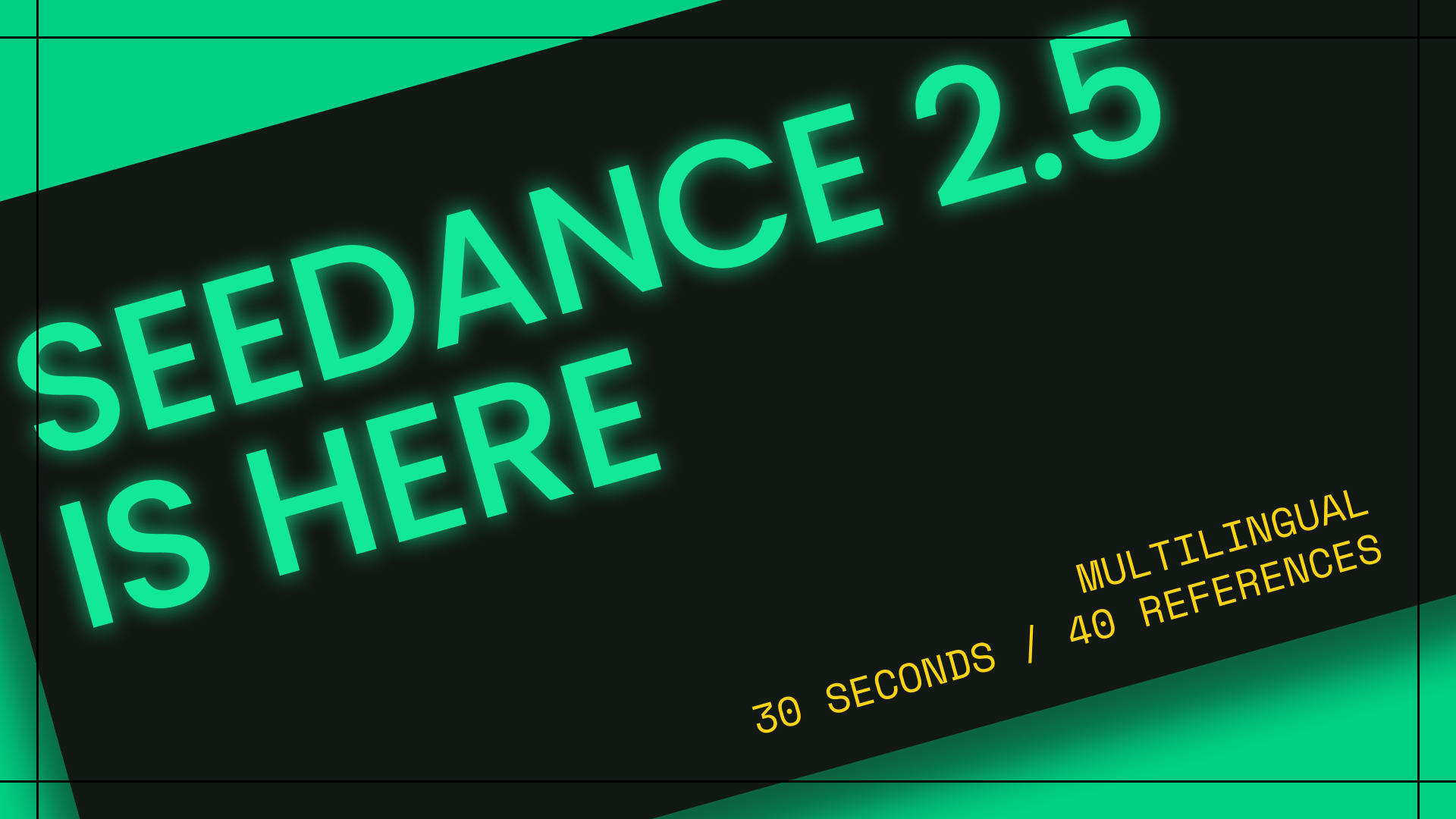
Seedance 2.5 is here — 30 seconds, 40 references, multilingual

Seedance 2.5

ByteDance's newest video model lands in the Video Generator and on the Canvas — and it's now the default model.

  • Up to 30-second clips in a single pass (double Seedance 2.0's range)
  • Up to 30 reference images and 10 reference videos in Reference-to-Video (Seedance 2.0 takes 9 / 3)
  • Text / Image / Reference-to-Video, 480p / 720p output, optional MOV output for color-critical post-production work
  • Per-second credit rates by resolution — see the credit policy for current pricing

Try Seedance 2.5 →

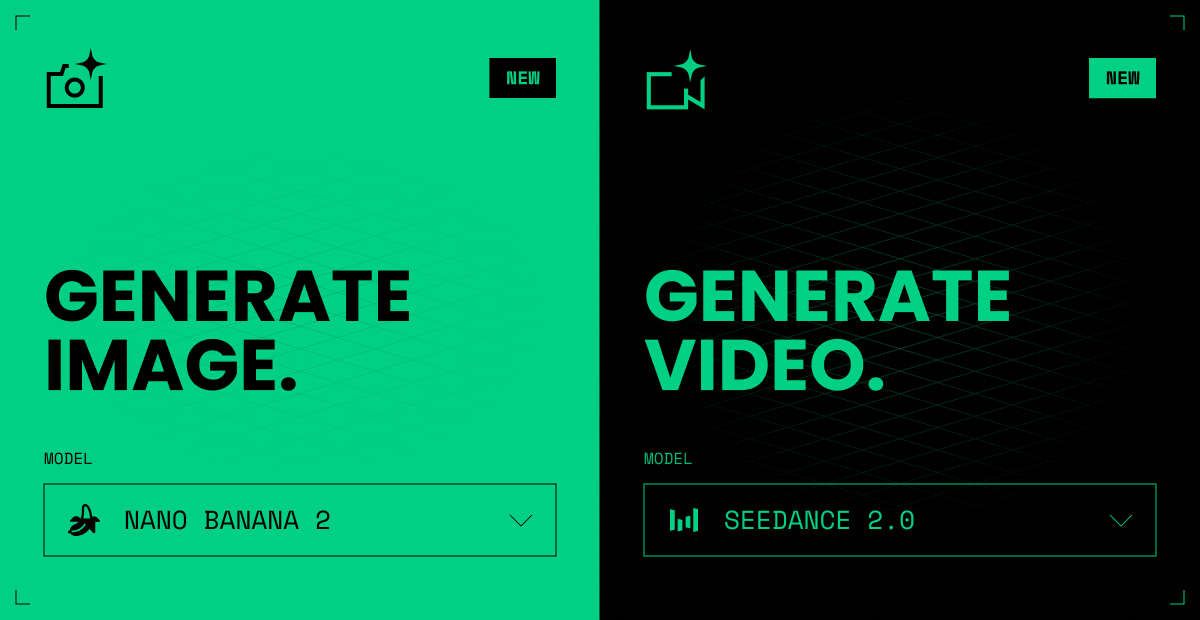
Image and Video Generation

Beeble just got a major update, built around how you actually work. The best AI tools and models, now connected in one place.

Image & Video Generation

Generation now has a home of its own. Generate a shot in the Image Generator or Video Generator, then send it straight into your VFX pipeline. No exporting, no juggling tabs.

Image and Video Generation

Generate a shot →

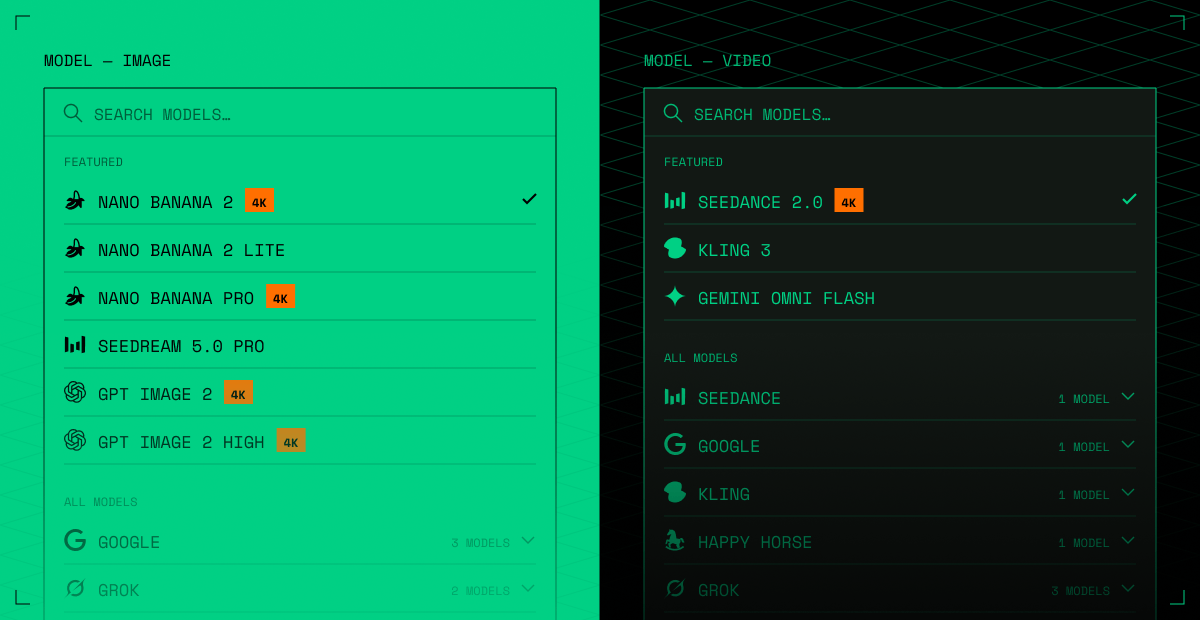
Seedance 2.0 4K, Gemini Omni Flash, and More

The best generative models, built in — pick the right model for every shot, with more on the way.

  • Seedance 2.0 — Standard mode now renders in 4K

  • Gemini Omni Flash — Google's multimodal video model: text / image / reference-to-video and prompt-based video editing, with audio included

  • Seedream 5.0 Pro — BytePlus's flagship image model

  • Nano Banana 2 Lite — fast, low-cost image generation

    Image and video model pickers

Try the models →

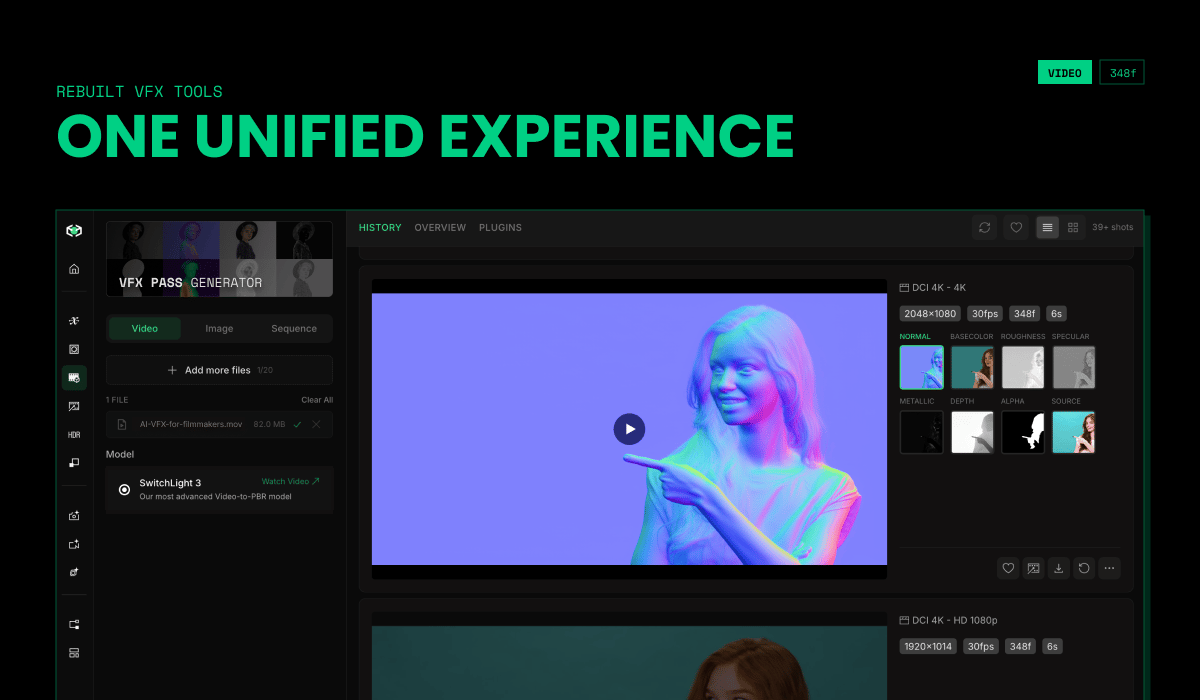
Rebuilt VFX Tools

VFX Passes, Background Remover, and 3D Relight — redesigned to work like SwitchX and SDR to HDR. One unified experience: cleaner controls, faster previews, built to chain on the Canvas.

Rebuilt VFX tools — one unified experience

Explore the tools →

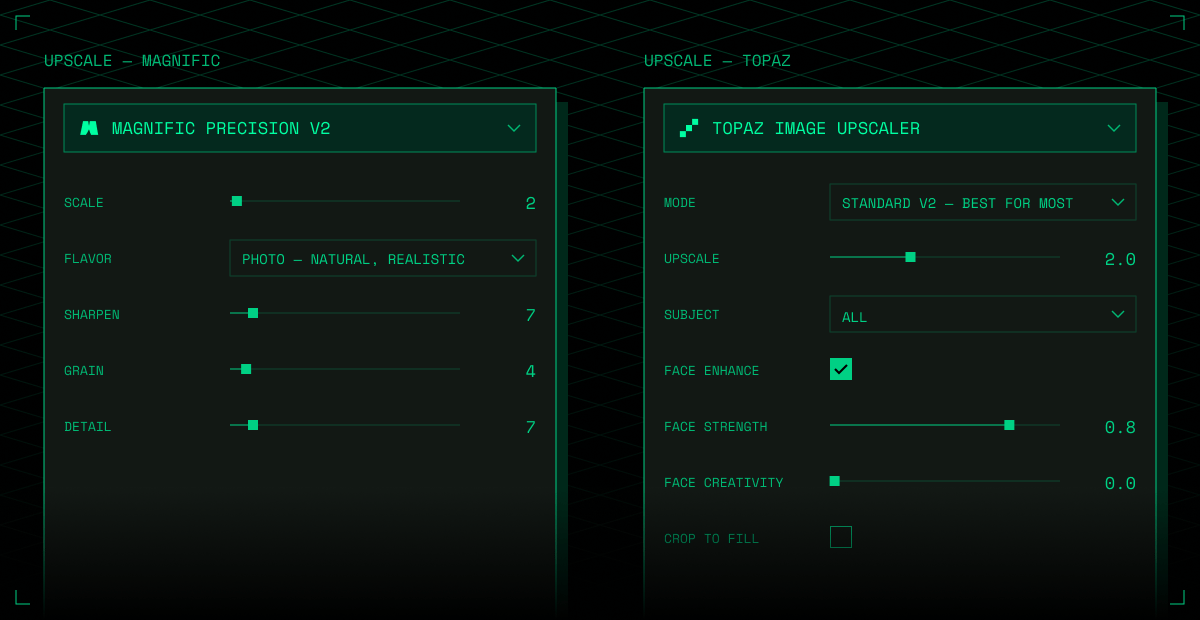
Upscale with Magnific & Topaz

Magnific and Topaz are now built into Beeble, for both image and video, so every shot leaves film-ready. Find them in the new Upscaler tab, or as nodes on the Canvas.

Upscale with Magnific and Topaz

Upscale a shot →

Image Generator & Video Generator — new standalone tabs

The Canvas Image Generator and Video Generator nodes now have their own dedicated pages, available from the left sidebar on the Beeble web app.

  • Same models as Canvas — every model available in the Canvas Image / Video Generator nodes is available here, with identical options and credit pricing
  • History feed — all your generations in one scrollable feed, with batch generation support

Video Generator — Gemini Omni Flash & new Seedance tiers

Gemini Omni Flash, Google's natively multimodal video model, is now available in the Video Generator — both the standalone tab and the Canvas node.

  • Four tasks — text-to-video, image-to-video (starting frame), reference-to-video (up to 3 reference images as subject / style guides), and prompt-based video editing
  • Audio included — every generation comes with generated audio
  • Output — 720p, 16:9 or 9:16, 3–10 second clips (video editing accepts source videos up to 10 seconds)

Seedance 2.0 also gains two new tiers:

  • Seedance 2.0 — 4K output: Standard mode now supports 4K resolution, alongside 480p / 720p / 1080p
  • Seedance 2.0 Mini: a new cheapest tier — about half the credit cost of Standard (480p / 720p only)

See the Credit Policy for pricing.

Introducing SwitchHDR — True 16-bit HDR from any video

SDR to HDR, powered by our new model, SwitchHDR is now available on Beeble web app. Convert any 8-bit clips into true 16-bit HDR EXR sequences that work in your professional production pipelines.

  • True 16-bit EXR & ACES Workflow: Generate production-ready EXRs with native ACES support for high-end VFX and color grading.
  • Expanded Depth and Range: Restore blown highlights and push shadow depth smoothly in the grade without banding artifacts.
  • Precise Control: Mask target areas, use text prompts, and direct exactly what needs to come back for your final look.
  • Powered by SwitchHDR: Our dedicated model trained specifically for accurate SDR to HDR reconstruction.
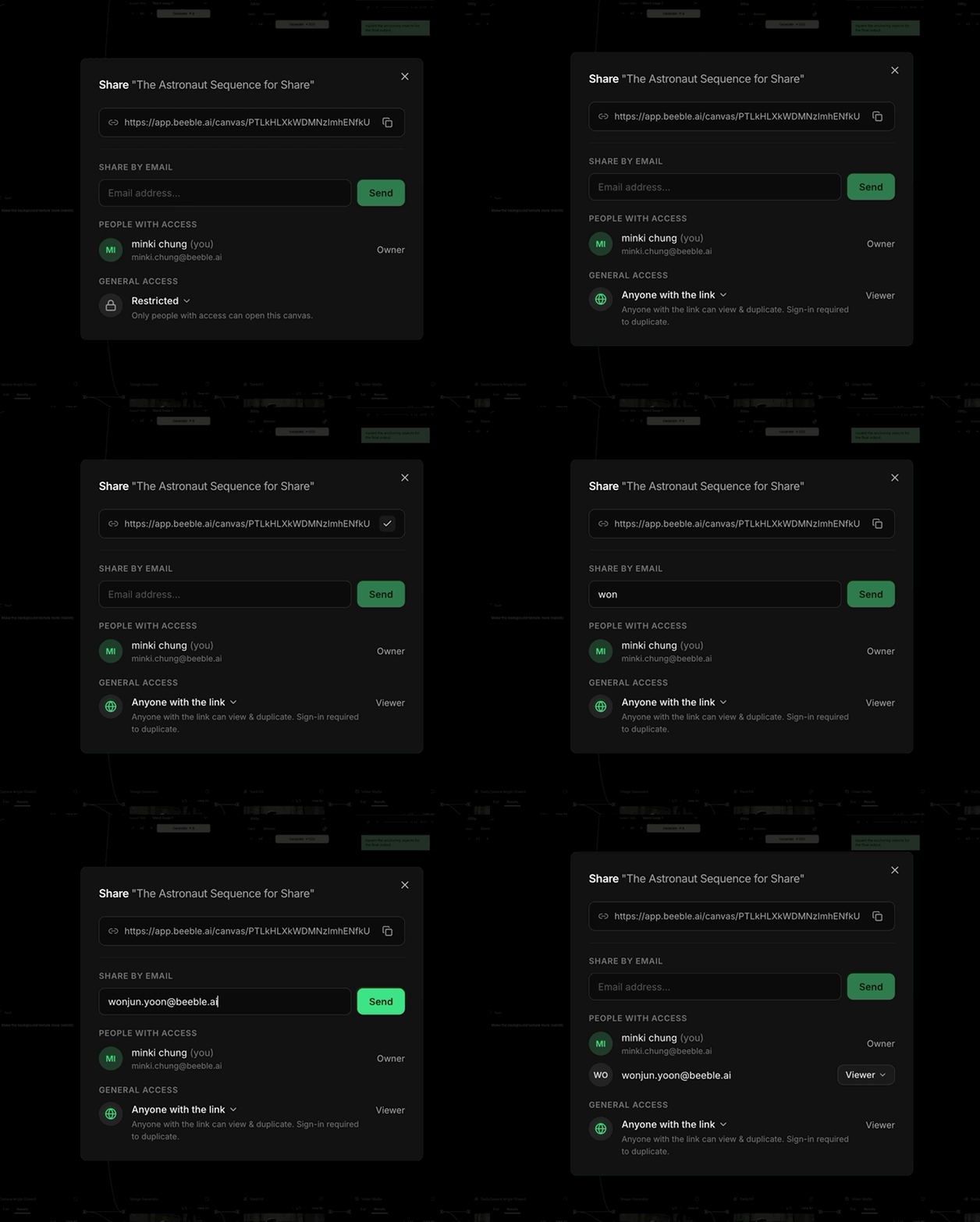
Canvas Share dialog

Canvas — Share your canvas with anyone

You can now share a Canvas project with a link or by email — from the Share button in the canvas toolbar.

  • Share with a link — switch General access to Anyone with the link and copy the link. Anyone can view; switch back to Restricted to stop sharing.
  • Share by email — invite specific people as viewers while keeping the canvas Restricted.
  • Duplicate & Edit — viewers can duplicate a shared canvas into their own workspace and build on it.