New Canvas nodes and node updates
JUN 11, 2026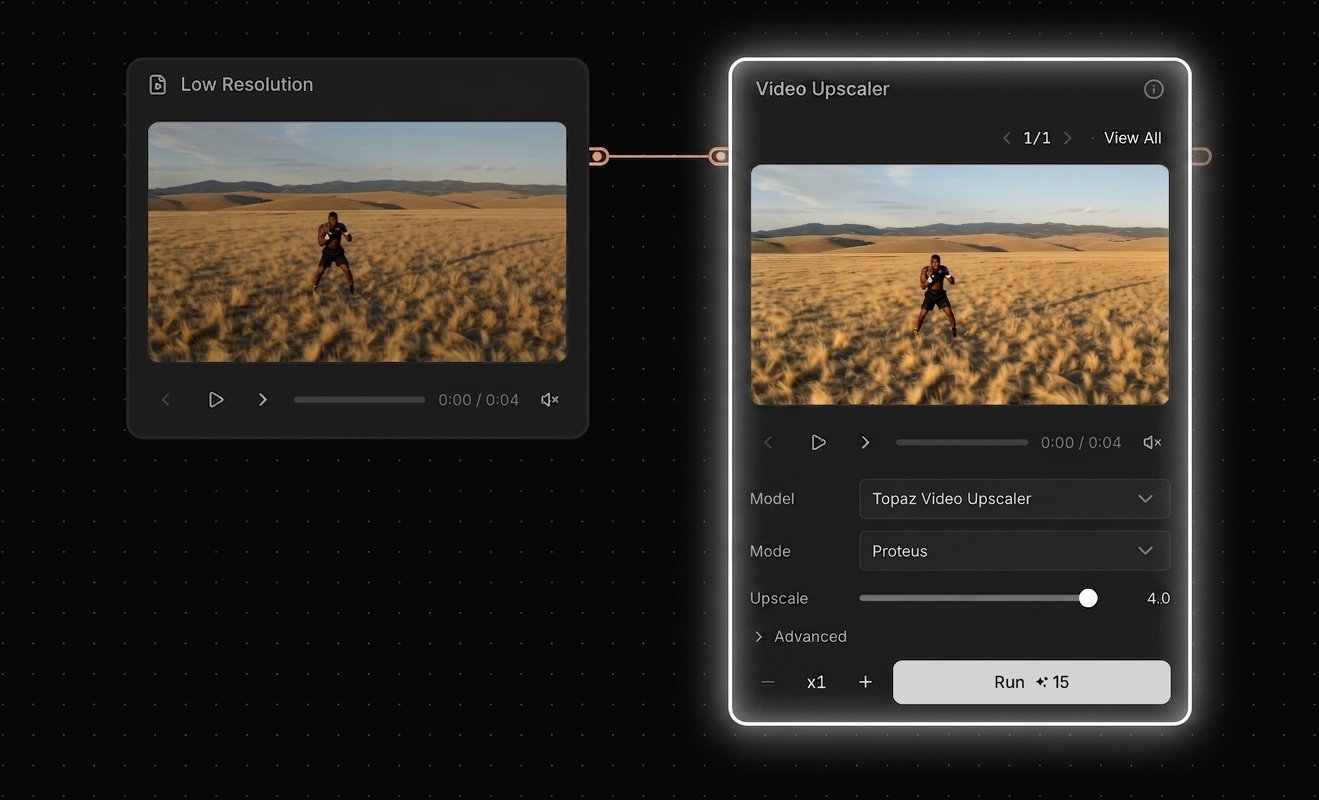
Canvas — New Nodes and Node Updates
New nodes and a wave of node updates for Canvas, plus expanded documentation.
New Nodes
Topaz Video Upscaler — Upscale videos up to 4K
Upscale videos up to 4K with Topaz (more providers coming later)
Choose an upscaling method (e.g., diffusion-based or classic models)
Set the scale factor from 1× to 4× (output is capped at 4K)
Frame interpolation is supported (for smoother motion / higher FPS)
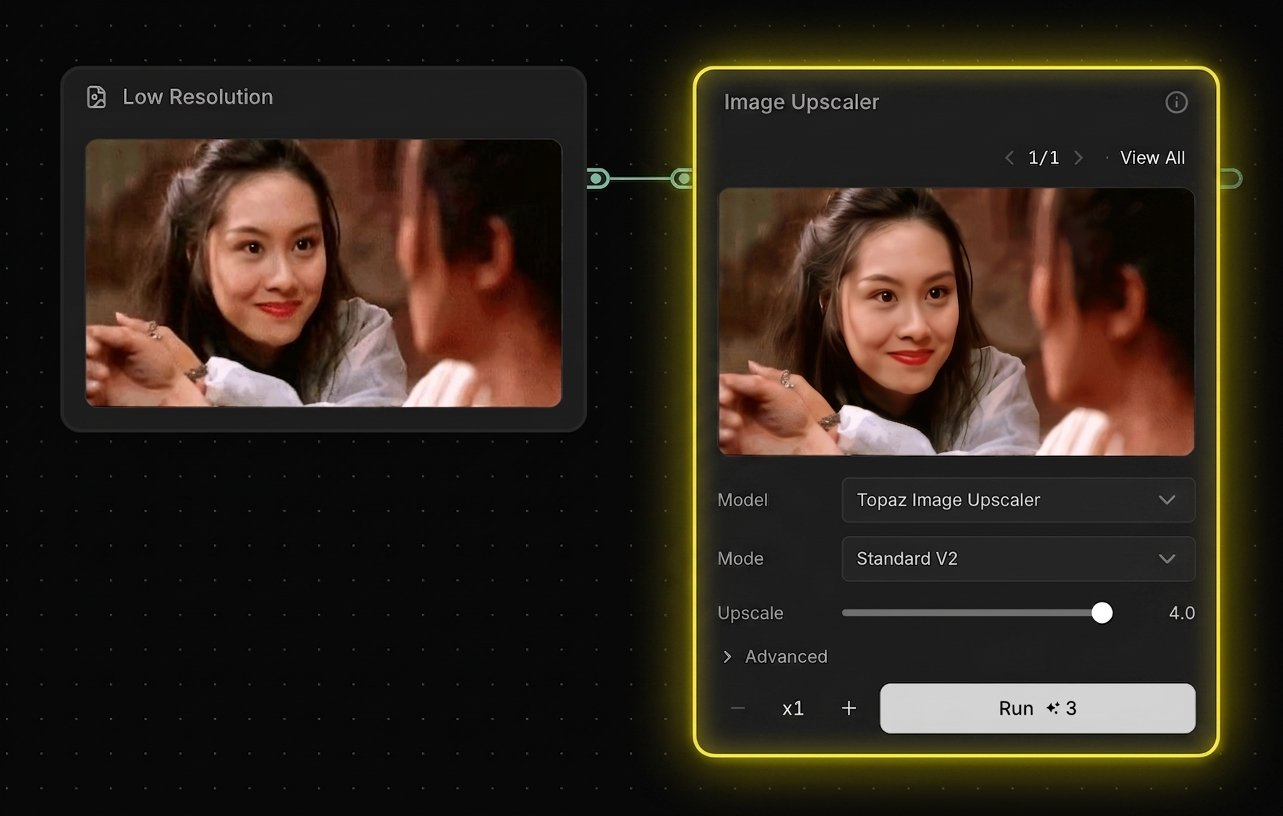
Topaz Image Upscaler — Upscale images up to 8K
Upscale images up to 8K with Topaz (more providers coming later)
Choose an upscaling method (e.g., diffusion-based or classic models)
Set the scale factor from 1× to 4× (output is capped at 8K)
Video Iterator — Batch-process many videos at once
Upload multiple videos at once, then connect the iterator to supported nodes to batch-process a full set of inputs
Useful when you want to apply the same workflow to many clips without uploading one-by-one
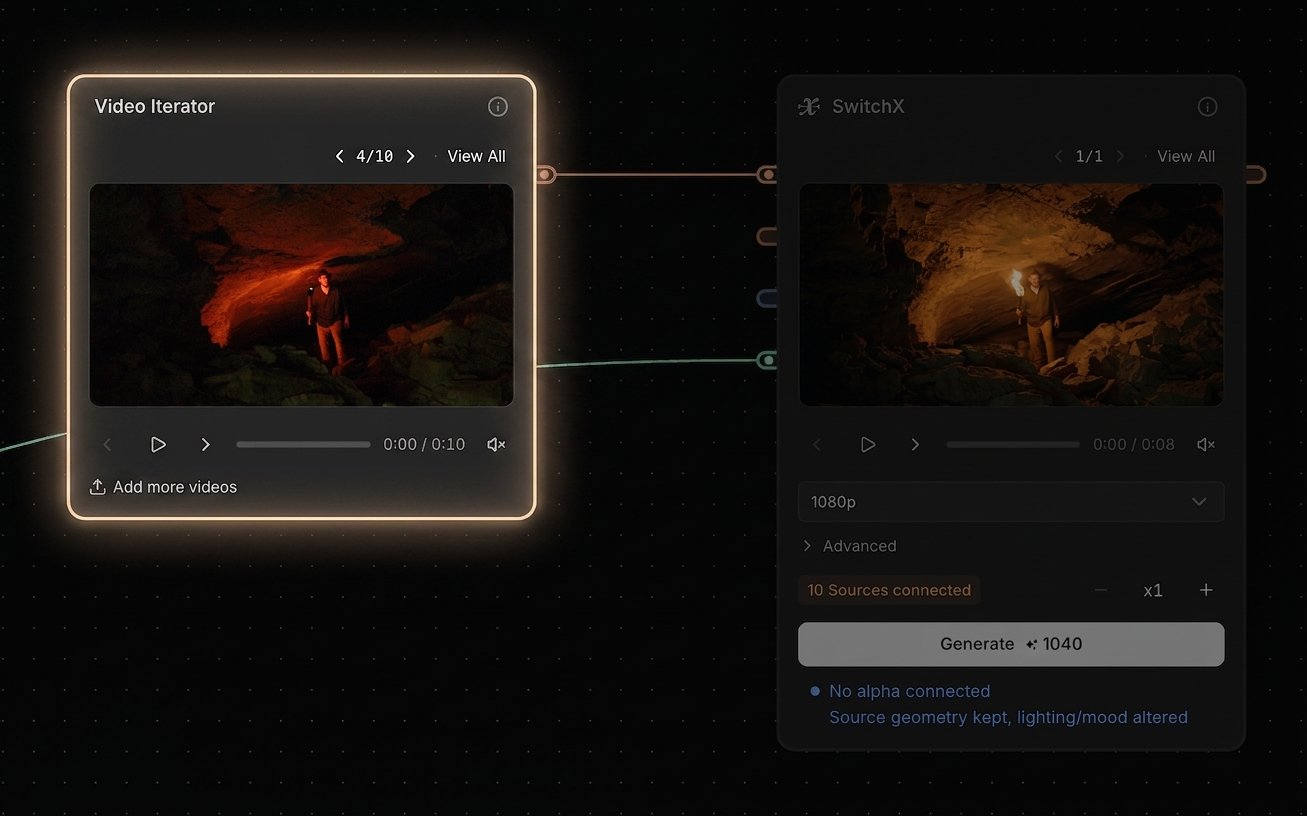
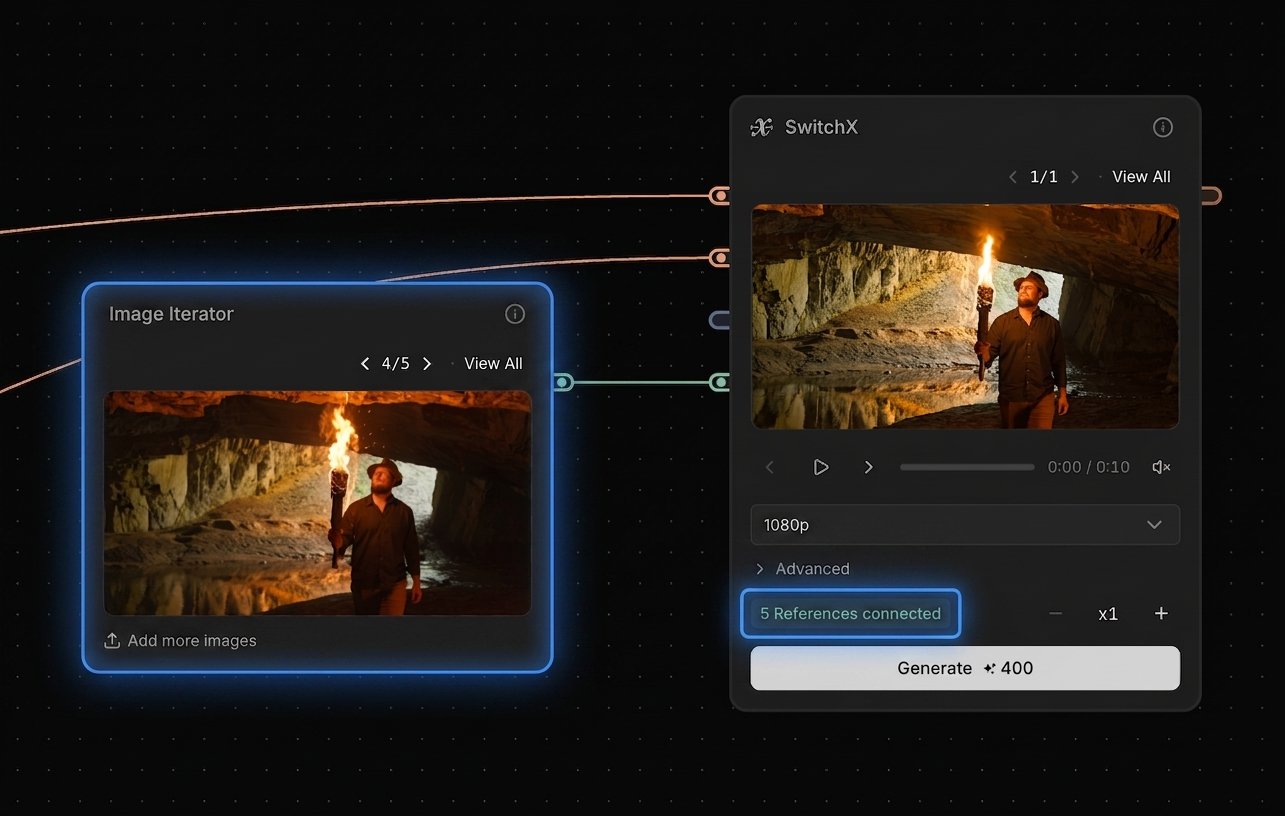
Image Iterator — Batch-process many images at once
Upload multiple images at once, then connect the iterator to supported nodes to batch-process a full set of inputs
Useful when you want to apply the same workflow to many stills without uploading one-by-one
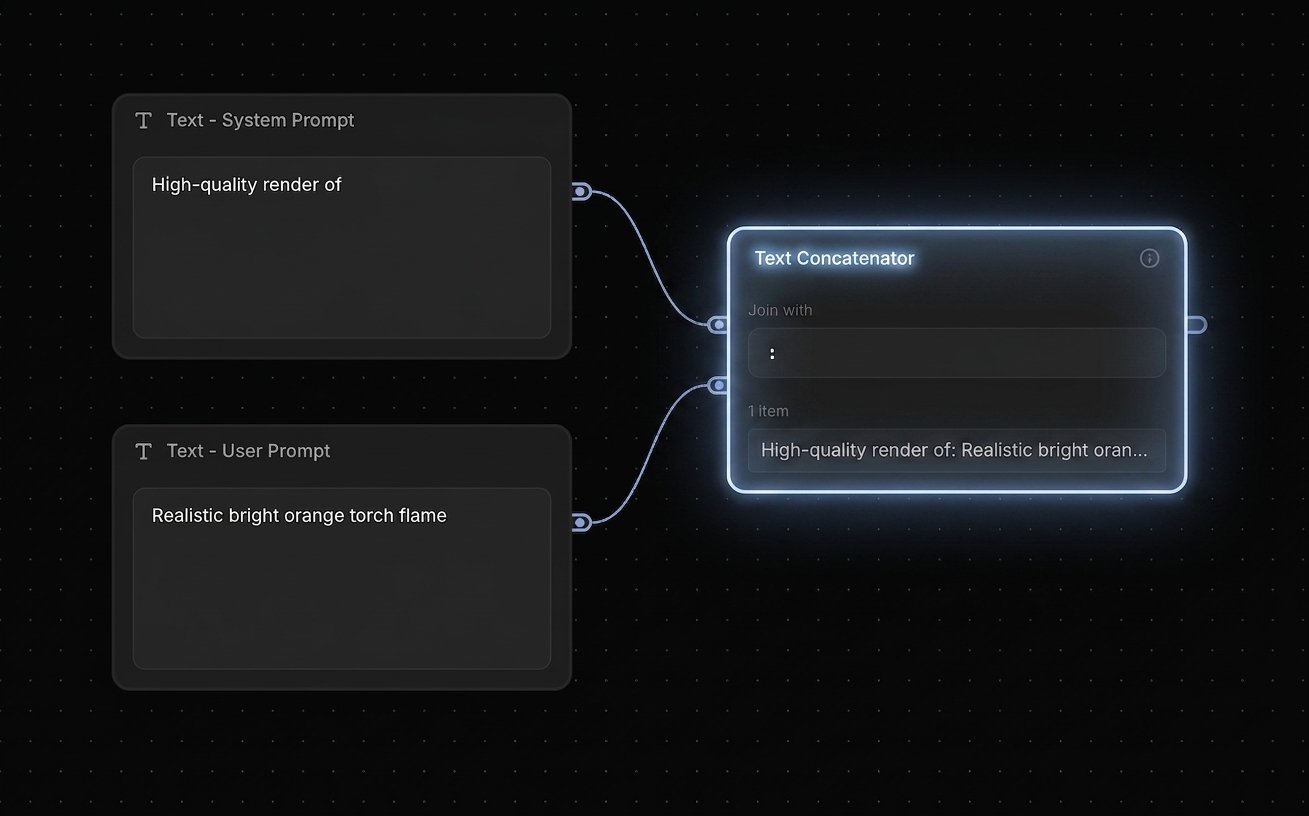
Text Concatenator — Concatenate two prompts; use one as a system prompt and the other as a user prompt
Node Updates
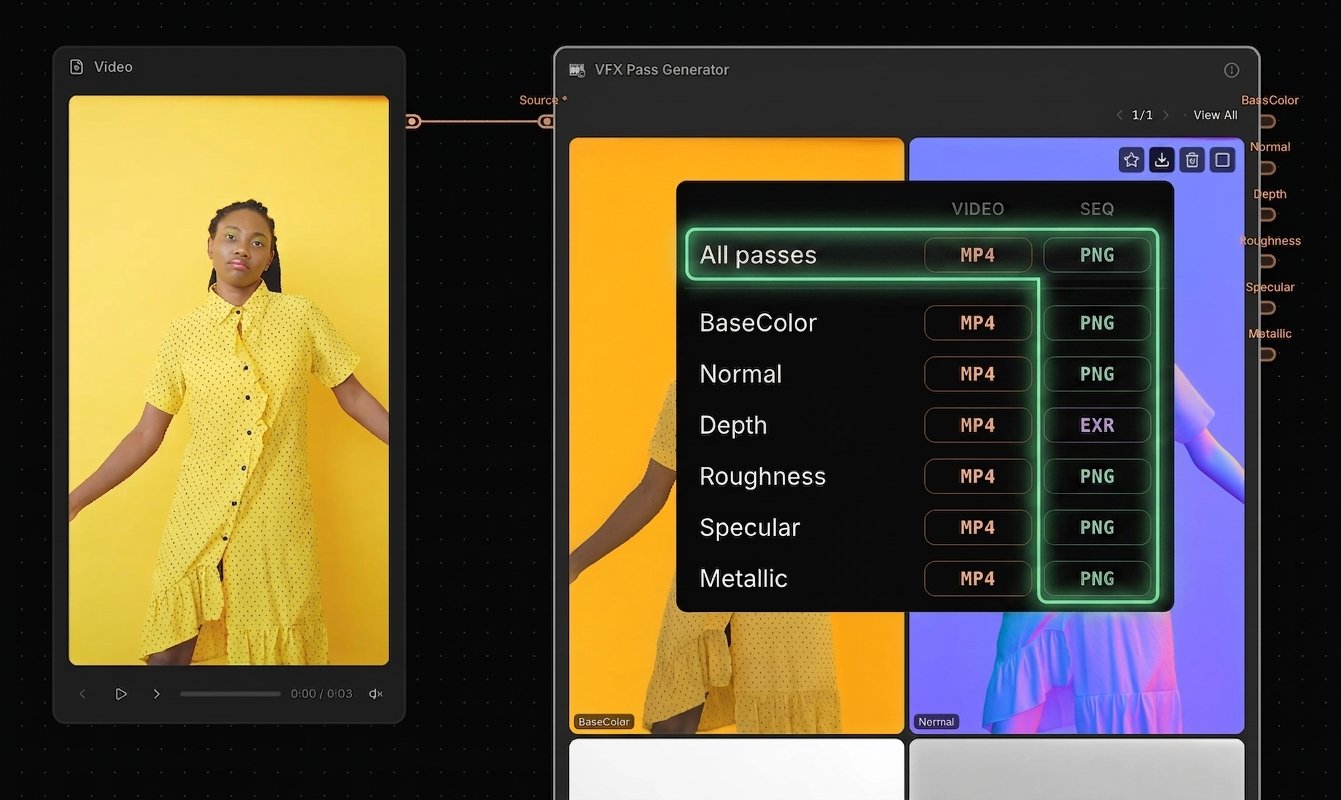
VFX Pass Generator — PNG Sequence export and "Export All" added
Added high-quality PNG sequence export
New "All passes" export option lets you download all outputs in one go
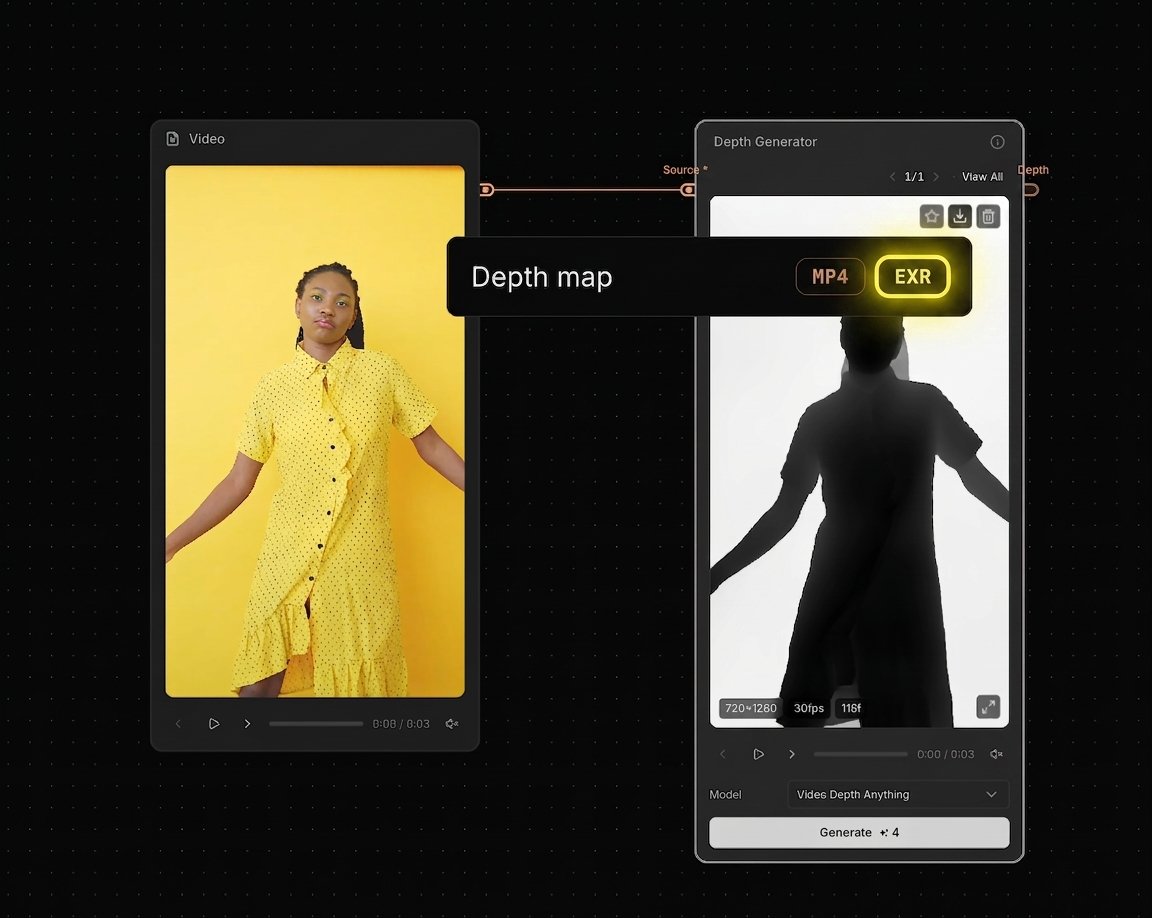
Depth Generator — 16-bit EXR export option added
Added 16-bit EXR export for higher-fidelity depth workflows
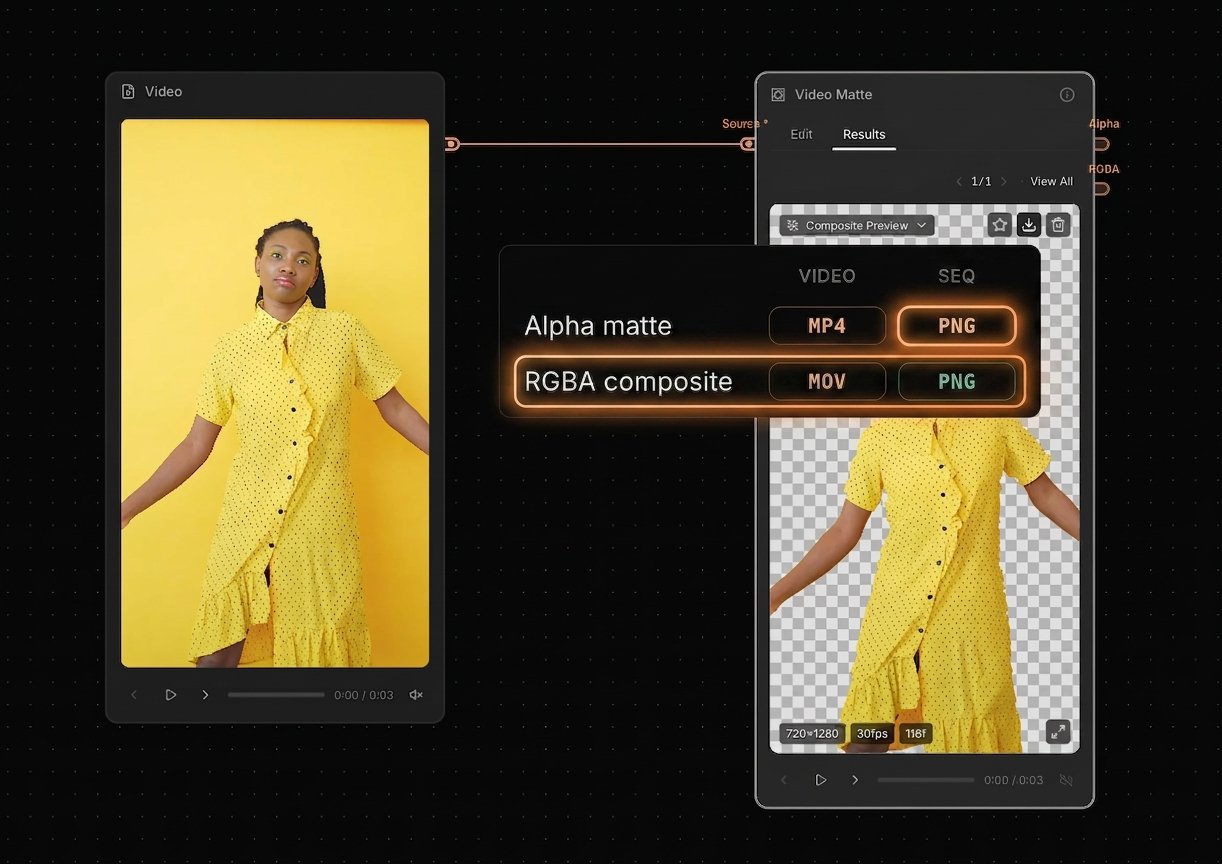
Video Matte — RGBA export options (MOV + PNG) and alpha PNG export added
Added RGBA composite video export (MOV), plus PNG sequence export options
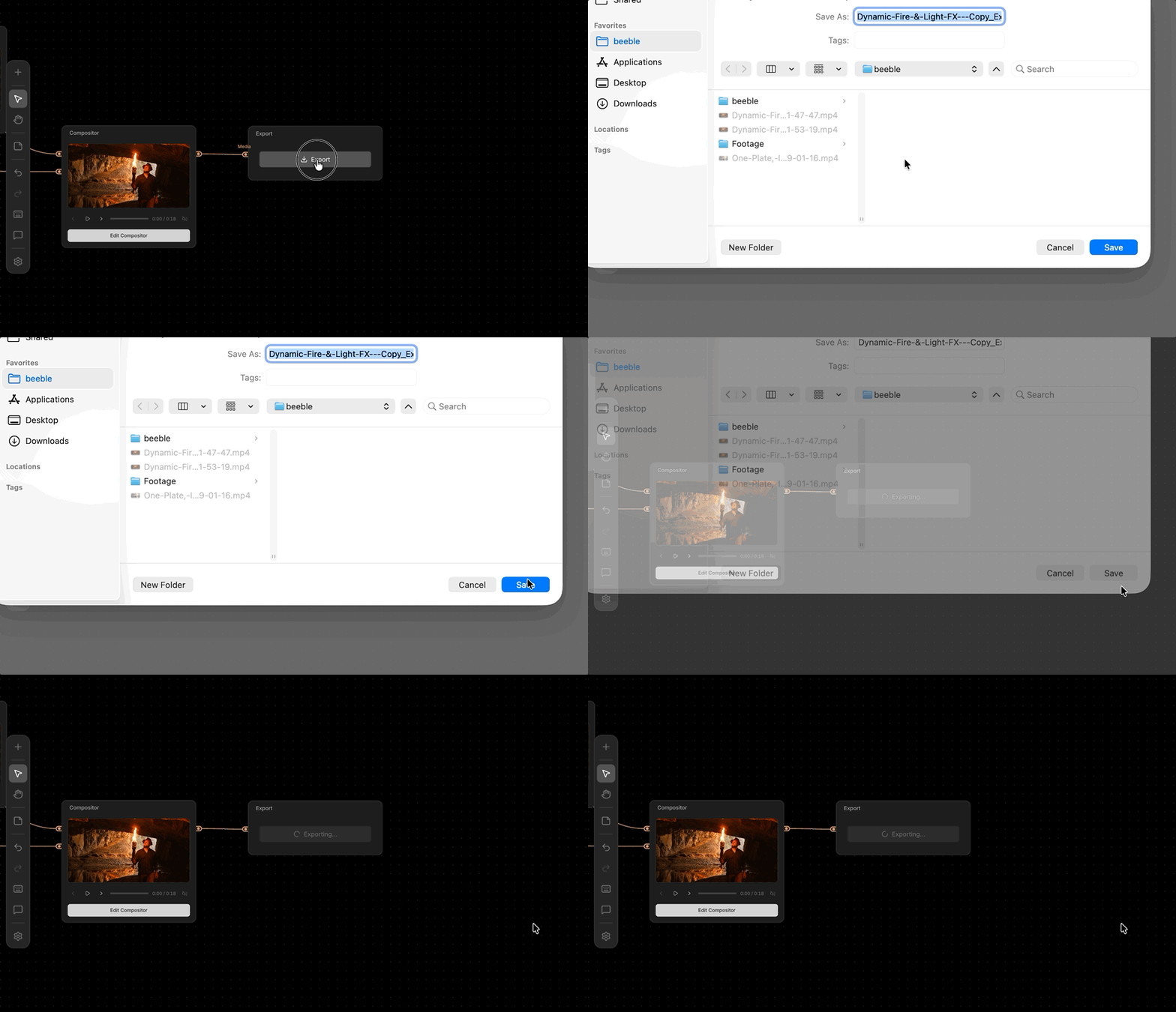
Export — choose a download path for your files
You can now choose where files are saved, instead of always using the default Downloads folder
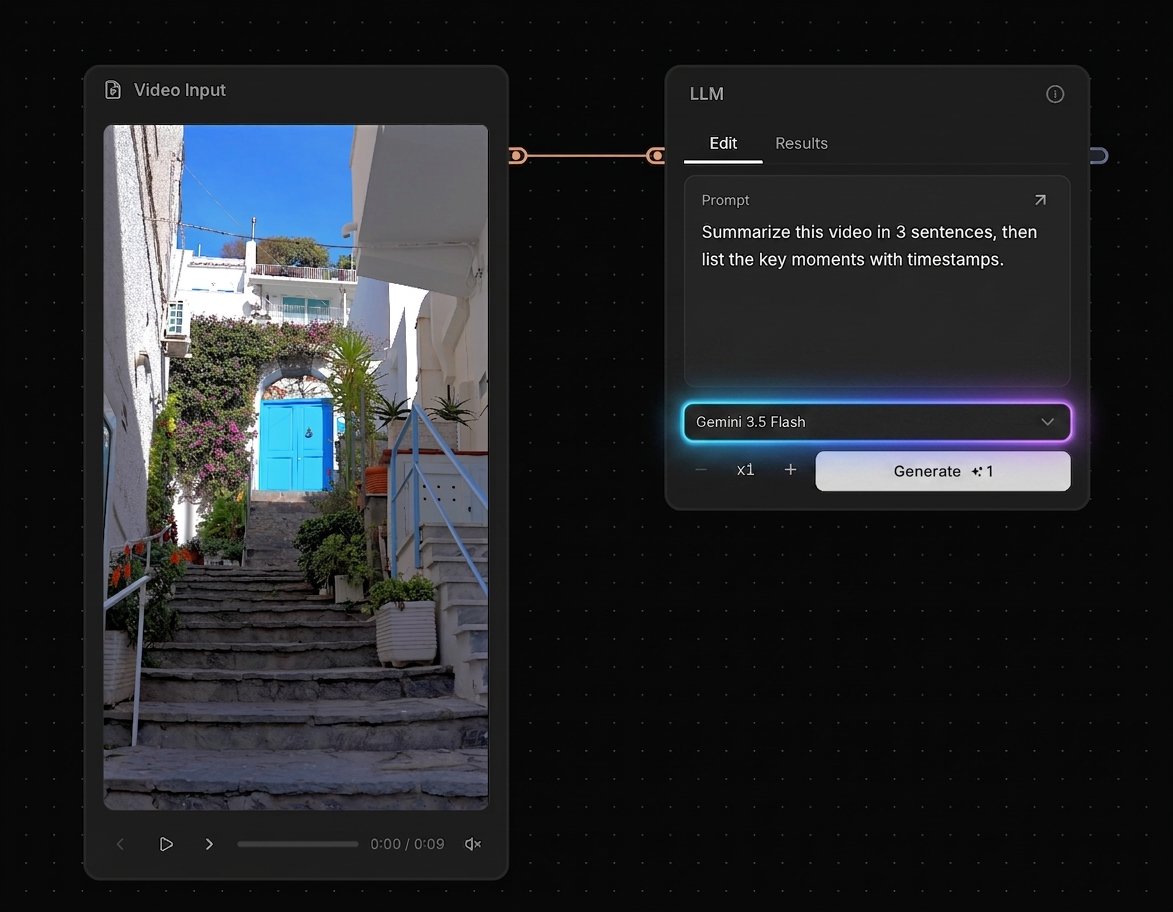
LLM — Gemini 3.5 Flash model added + video input now supported
Updated to Gemini 3.5 Flash, including video input support
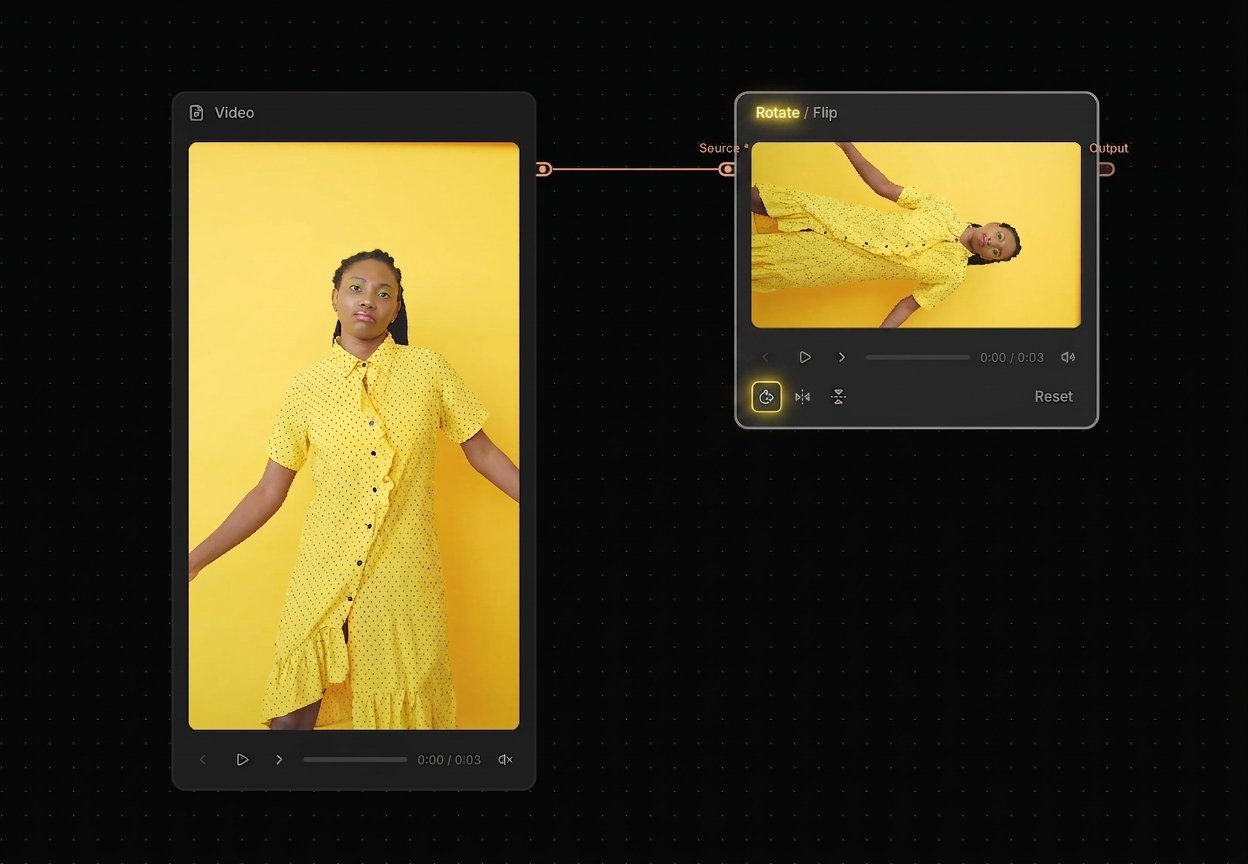
Rotate / Flip (formerly Flip) — Rotate 90° now supported
Rotate support has been added to the existing Flip node for faster, simpler transforms
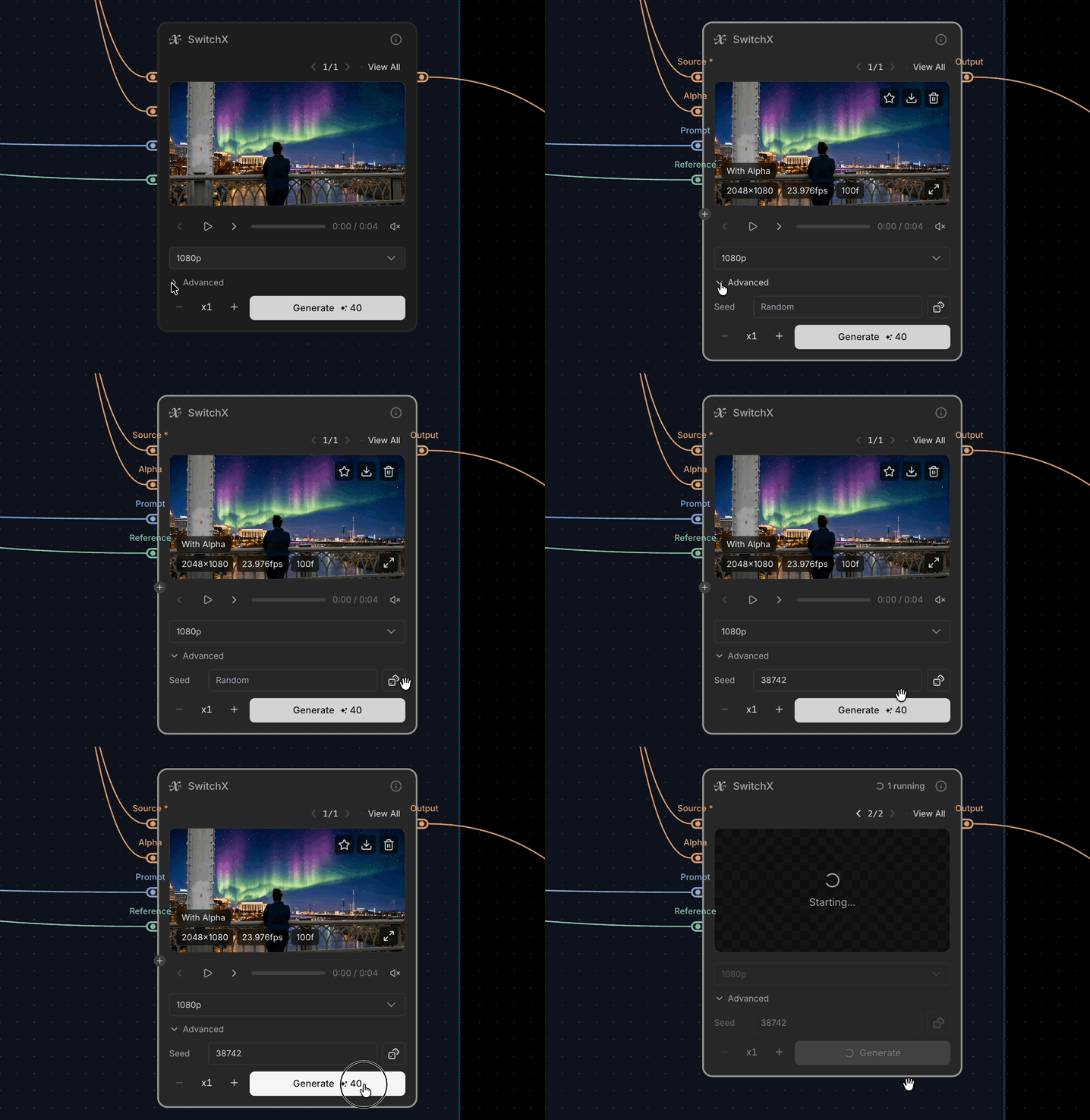
SwitchX — set a random seed
Added a random seed option for better reproducibility
Note: due to GPU randomness, the same seed may not always produce perfectly identical results
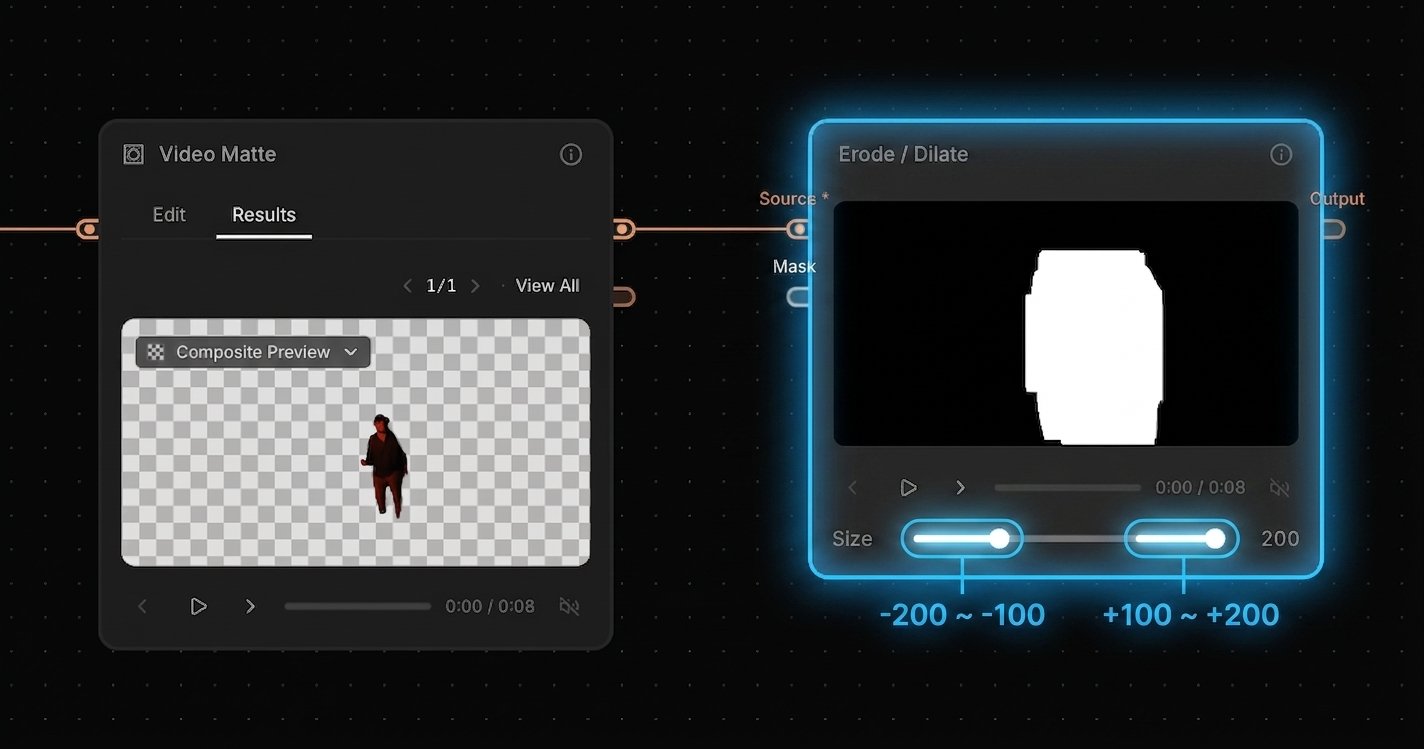
Erode / Dilate — range is now 2× larger (−200 to +200)
Expanded the control range from −100 to +100 up to −200 to +200 for more flexible tuning
Documentation
- Credit Policy — We documented how many credits each node uses, so you can plan workflows with costs in mind—especially as more third-party models are added.
- Model List — We list all available models (third-party and internal) with clear sourcing and policy details. "Verified" means we have confirmed commercial licensing and non-training terms directly with the provider.