beeble studio

beeble studio

beeble studio

4K Relighting
Fully on Your Machine

4K Relighting
Fully on Your Machine

DESKTOP APP FOR LOCAL PROCESSING
Local AI Model

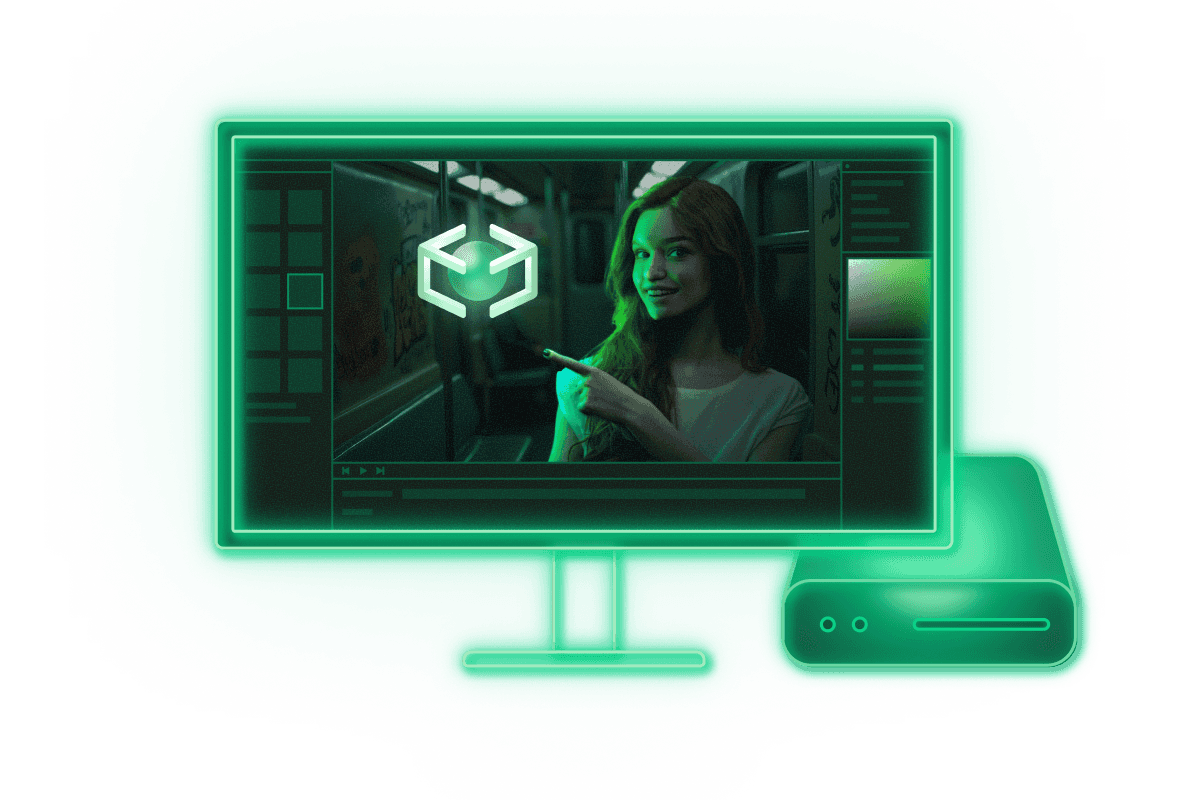
Run our most advanced Video-to-PBR model, SwitchLight 3, directly on your desktop. Perfect for professionals who need local workflow.

4K Resolution

Process your footage in Native 4K delivering detail in every frame. Export multi-channel 16-bit EXRs containing all AOV passes in a single file.

UNLIMITED RENDERING

Run without any credit restriction and render sequences up to 1 hour in a single render. Ideal for long-form projects.
SAFE | CONTROLLABLE

SAFE | CONTROLLABLE

SAFE | CONTROLLABLE

SECURE | RELIABLE

SECURE | RELIABLE

SECURE | RELIABLE

Features

Fully local. 4K Resolution. Unlimited Rendering.

Video-to-VFX

Video-to-VFX

Video-to-VFX

A rotoscoped, camera-tracked, relightable 2.5D asset

PBR, Alpha & Depth Pass Generation

Powered by SwitchLight 3.0, convert images and videos into full PBR passes with alpha and depth maps for seamless relighting, background removal, and advanced compositing.

Unlimited Local Rendering

Your files never leave your machine, and no cloud credits are used. Perfect for pros handling confidential or proprietary material.

4K Resolution up to 1 hour

Render 4K videos up 1 hour in full precision, all processed locally on your GPU.

Render Queue

Batch render multiple shots with a render queue. Your computer becomes a fully automated production engine.

Advanced Render Controls

Customize your renders with options like deflicker on/off to fine-tune your PBR results and achieve the exact PBR look you want.

Blender, Unreal Engine & Nuke Plugin

Send generated VFX passes directly into Blender, Unreal Engine or Nuke for dynamic relighting and compositing.

Flexible Input (EXR / PNG / MOV / MP4)

Import EXR, PNG, MOV or MP4 files for maximum compatibility with both professional VFX pipelines and standard video workflows.

Flexible Output (EXR / PNG / MP4)

Export your results in EXR, PNG or MP4, giving you full control across both professional VFX workflows and standard video delivery.

Beeble Editor

Beeble Editor

Beeble Editor

A fast, real-time 3D relighting editor

One Click VFX Pass Import

Load all generated passes instantly with a single click and start relighting right away.

Relight

Relight your footage with point lights, area lights, sunlight, video lights and HDRI environments.

Animated Lighting

Drive your lights dynamically with Video Light feature. Also you can control your lights with keyframe animation in classic way.

Blend Modes for Creative Lighting

Choose between normal, add, lighten and screen blend modes to relight completely or just add a new light on top of the original plate.

2D / 3D Viewport for Precision Editing

Edit your scene in 3D view for physically correct and intuitive control. Fine tune your results at the image level in 2D view.

Composite with Diverse Assets

Import GLTF models, Gaussian splats, HDRIs and background plates and composite them together with your VFX passes.

Control Your Pass Properties

Modify depth, material responses and color, then refine your alpha mask with erosion or feathering for a polished composite.

Full Camera Control

Adjust camera zoom, focal length and aspect ratio. Match the virtual camera precisely to your real shot for physically consistent results.
Beeble Studio Plans

Access Beeble's local rendering engine for any production scale
beeble studio
INDIE

For solo artists wanting to create
high-quality visual effects

$60

$42

/ month

(16% off billed annually)

YEARLY

Desktop App for Local Processing

Unlimited Video-to-VFX on your GPUs

- 4K resolution, 1h per Video

- Render Queue

- EXR Sequence

Limited Commercial Use

- Commercial Use for Orgs under 200K USD Annual Revenue

STANDARD
beeble studio
STANDARD

For studios that demand local processing,
full control, and maximum performance

$400

$250

/ month

(16% off billed annually)

YEARLY

Desktop App for Local Processing

Unlimited Video-to-VFX on your GPUs

- 4K resolution, 1h per Video

- Render Queue

- EXR Sequence

Early Access to New Features

Full Commercial Use

beeble studio
INDIE

For solo artists wanting to create
high-quality visual effects

$60

$42

/ month

(16% off billed annually)

YEARLY

Desktop App for Local Processing

Unlimited Video-to-VFX on your GPUs

- 4K resolution, 1h per Video

- Render Queue

- EXR Sequence

Limited Commercial Use

- Commercial Use for Orgs under 200K USD Annual Revenue

STANDARD
beeble studio
STANDARD

For studios that demand local processing,
full control, and maximum performance

$400

$250

/ month

(16% off billed annually)

YEARLY

Desktop App for Local Processing

Unlimited Video-to-VFX on your GPUs

- 4K resolution, 1h per Video

- Render Queue

- EXR Sequence

Early Access to New Features

Full Commercial Use

beeble studio
INDIE

For solo artists wanting to create
high-quality visual effects

$60

$42

/ month

(16% off billed annually)

YEARLY

Desktop App for Local Processing

Unlimited Video-to-VFX on your GPUs

- 4K resolution, 1h per Video

- Render Queue

- EXR Sequence

Limited Commercial Use

- Commercial Use for Orgs under 200K USD Annual Revenue

STANDARD
beeble studio
STANDARD

For studios that demand local processing,
full control, and maximum performance

$400

$250

/ month

(16% off billed annually)

YEARLY

Desktop App for Local Processing

Unlimited Video-to-VFX on your GPUs

- 4K resolution, 1h per Video

- Render Queue

- EXR Sequence

Early Access to New Features

Full Commercial Use

Install Beeble Studio

Run AI rendering on your local GPU.

Optimized for performance and precision control.

Run AI rendering on your local GPU.

Optimized for performance and precision control.

System Requirements

System Requirements

OPTIMIZED FOR HIGH-PERFORMANCE WINDOWS WORKSTATIONS WITH NVIDIA GPUs.

Minimum

OS

Windows 10 (latest version) ② ③

CPU

Intel or AMD (AVX support, 2020 or newer)

SYSTEM MEMORY

16 GB

NVIDIA GPU

Ampere architecture or newer
(e.g., RTX 30-series, RTX A6000)

VRAM  •  12 GB or more ④

STORAGE

20 GB free space for local engine and model

INTERNET

Required for installation, authentication, and updates

Recommended

OS

Windows 10 (latest version)

CPU

Intel or AMD (AVX support, 2020 or newer)

SYSTEM MEMORY

32 GB

NVIDIA GPU

Ada Lovelace architecture or newer
(e.g., RTX 40-series, RTX 6000 Ada)

VRAM  •  24 GB or more ④

STORAGE

100 GB or more free space for local engine, model, and processing results

INTERNET

Required for installation, authentication, and updates

① Systems below the minimum specs may install and run but are not officially supported.

② Mac and Linux are not currently supported.

③ Windows 10 is supported but may reach end-of-life before 2026 — Windows 11 is recommended.

④ GPUs with less than 12 GB VRAM may run but at unusable speeds.

Instant access, zero setup

Credits for cloud rendering

Works on Win/Mac

No GPU? No Problem

No GPU? No Problem

START WITH BEEBLE CLOUD APP

START WITH BEEBLE CLOUD APP

The Beeble Cloud App delivers the same AI power—without any local setup.

The Beeble Cloud App delivers the same AI power—without any local setup.

Instant access, zero setup

Credits for cloud rendering

Works on Win/Mac

Looking for
organization-wide control?

BEEBLE Enterprise

For organizations that need custom licensing,
seat management, or API-level control
For studios and organizations looking for security and scalability

Custom license

Custom implementation (CLI, API)

Seat management (6+)

Offline authorization

Use multi GPUs

for Educational Institutions

Non-commercial access for schools and educators

Non-commercial access for schools and educators

Studio Local Plan

Frequently
Asked
Question

What is Beeble Studio?
How does it connect with the cloud app?
Does it upload any user footage or data to the cloud?
Is user footage used for AI training?
Do you offer free trial?
Can Beeble Studio run fully offline?
How many computers can I use Beeble on?
What is Beeble Studio?
How does it connect with the cloud app?
Does it upload any user footage or data to the cloud?
Is user footage used for AI training?
Do you offer free trial?
Can Beeble Studio run fully offline?
How many computers can I use Beeble on?
What is Beeble Studio?
How does it connect with the cloud app?
Does it upload any user footage or data to the cloud?
Is user footage used for AI training?
Do you offer free trial?
Can Beeble Studio run fully offline?
How many computers can I use Beeble on?